
Unchained Performance of Asus Wifi 7 Routers
Get WiFi 7 speeds with a level of control and flexibility unmatched in the consumer router market
ASUS WiFi 7 Routers Lineup
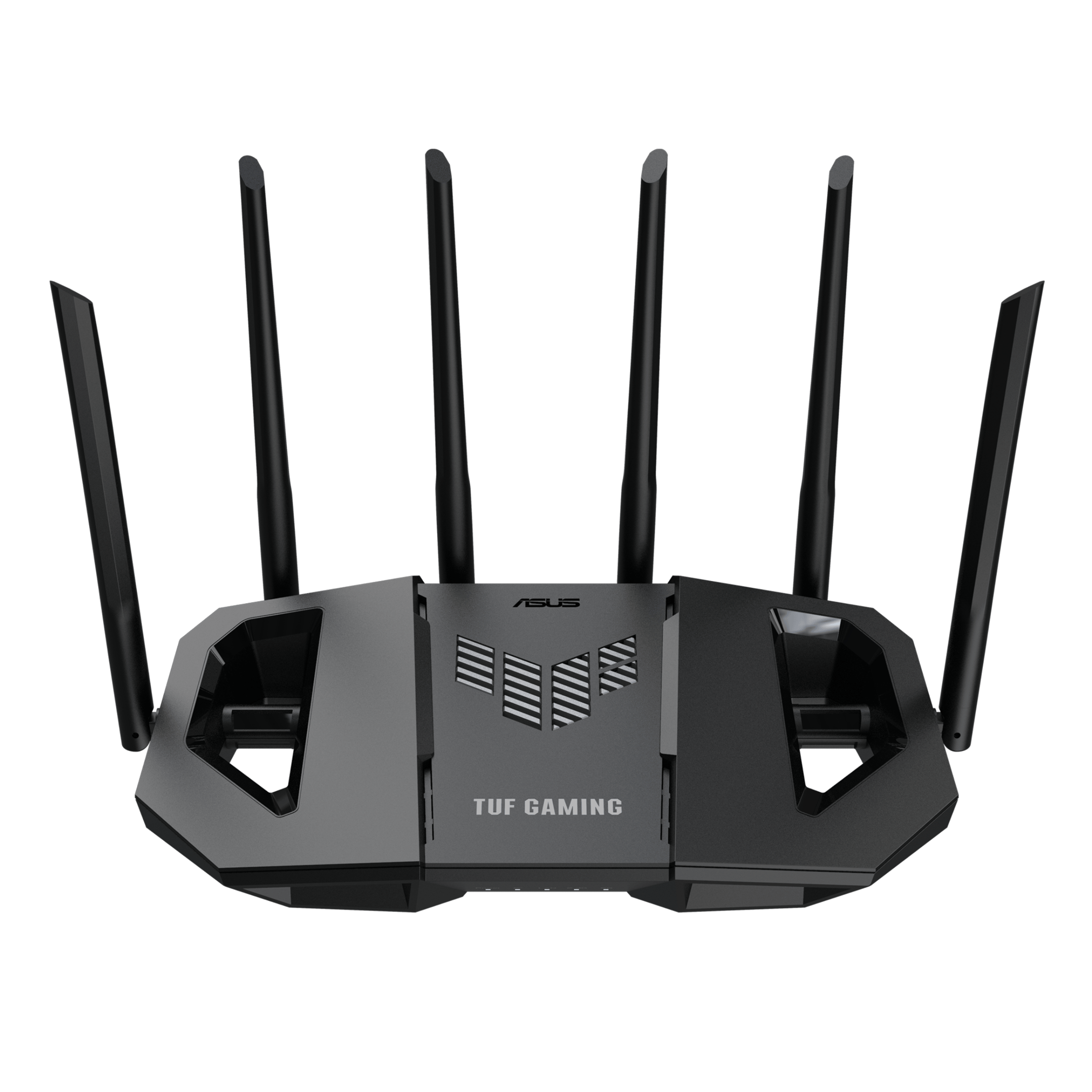
The world of home networking is leaping forward with WiFi 7, and ASUS isn't just participating—it's dominating with a router for every need and budget. What sets ASUS apart isn't just raw speed, but the unparalleled control offered to every user, from novices to network engineers. The TUF Gaming BE3600(paid link) serves as the accessible entry point, bringing core WiFi 7 benefits and robust software without the premium price tag. The TUF Gaming BE6500(paid link) strikes a powerful balance with enhanced wired lan speeds, while the TUF Gaming BE9400(paid link) is the undisputed higher level, offering the complete WiFi 7 experience using the top performing 6GHz frequency with 320 Mhz bandwidth.
Design and Build Quality
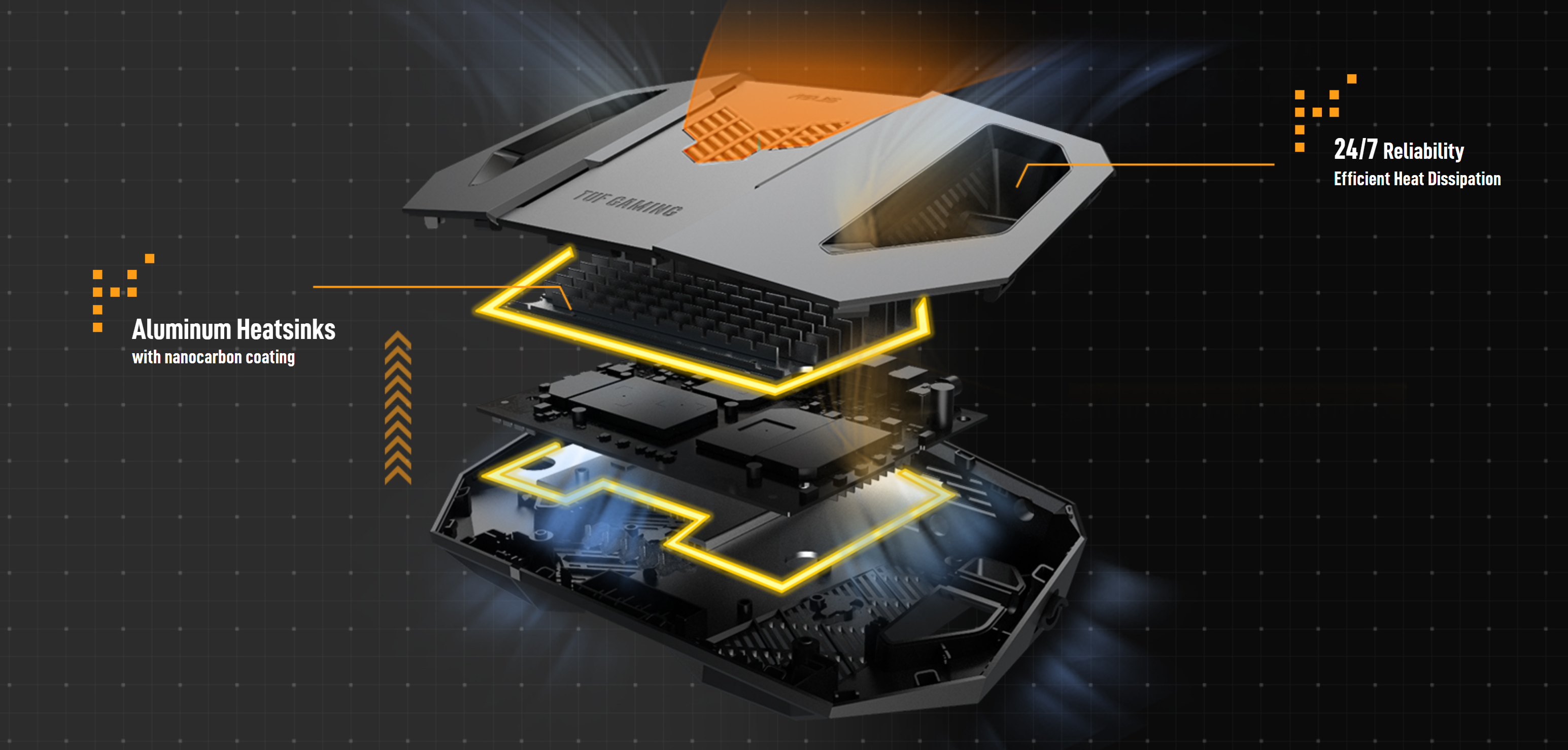
Beyond the looks, these routers are engineered for endurance. The BE3600 utilizes effective passive cooling with ventilation openings around the case, while the higher-end models incorporate more substantial heat sinks to dissipate heat efficiently, ensuring stable performance even under heavy load. The physical layout is practical, with all ports, buttons, and status LEDs neatly arranged on the rear or bottom for a clean setup. While some users note the LEDs can be subtle, this is often a benefit for those who prefer a distraction-free environment.
Outstanding features of Asus Routers
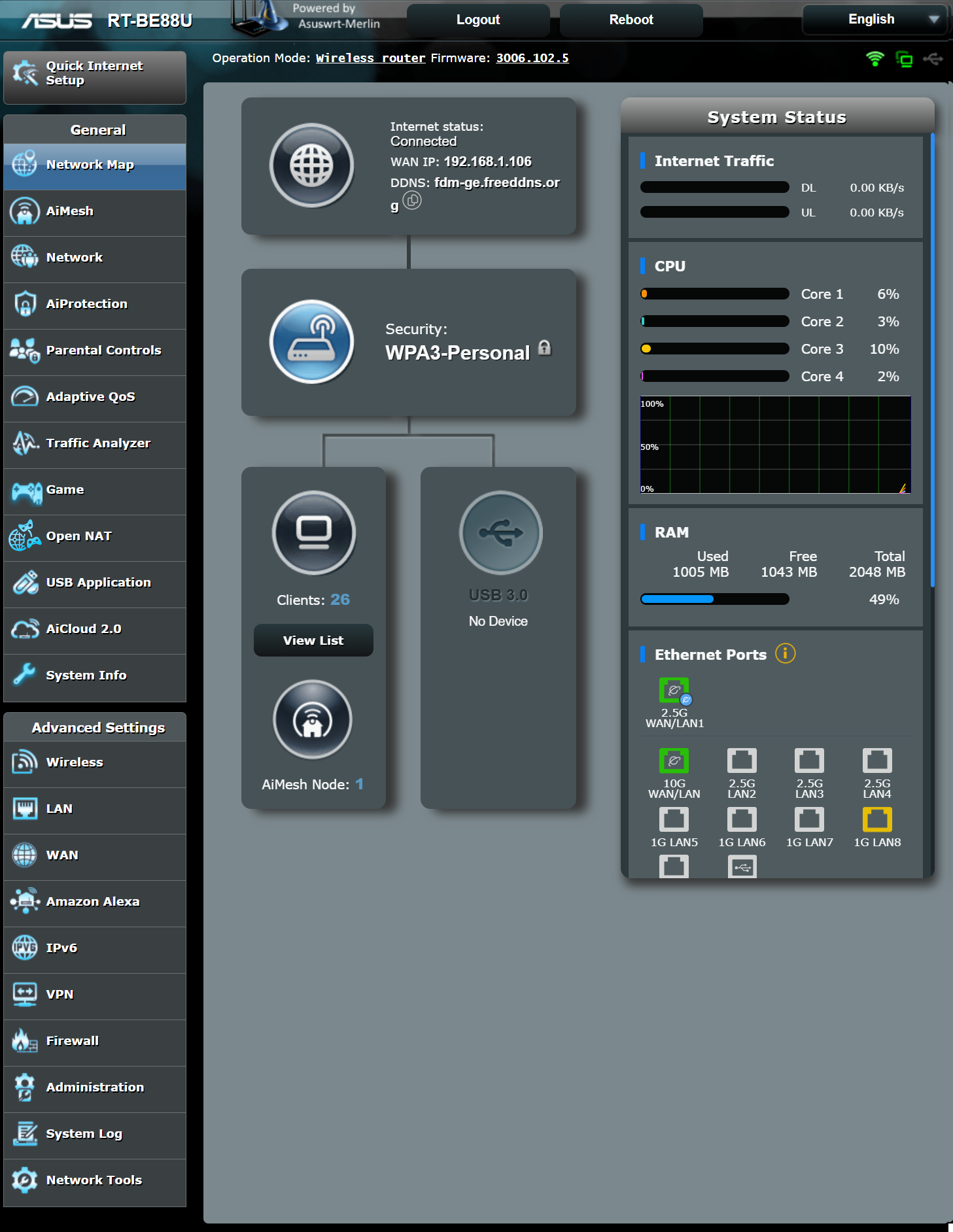
Purchasing an ASUS router is an investment in an entire ecosystem of powerful, integrated features that go far beyond simple internet access. This is where ASUS truly separates itself from the competition, offering a level of control and flexibility that is simply unmatched in the consumer router market.
At the heart of every ASUS router is its superior software translated into the renowned ASUSWRT firmware, accessible through an incredibly user-friendly web interface. For power users, the story gets even better with support for ASUSWRT-Merlin, an enhanced free third-party firmware that maintains full compatibility with all original features while adding advanced scripting and customization options, making these routers a playground for network enthusiasts.
Overview of main features included:
Isolated Guest Networks: Create up to three guest networks with customizable access. You can restrict guest access to the internet only, preventing them from seeing or accessing your private LAN devices like NAS drives or smart home hubs. Some models even include a dedicated IoT antenna that automatically creates a separate, secure network for smart devices, often using the weaker older though compatible WPA2 security.
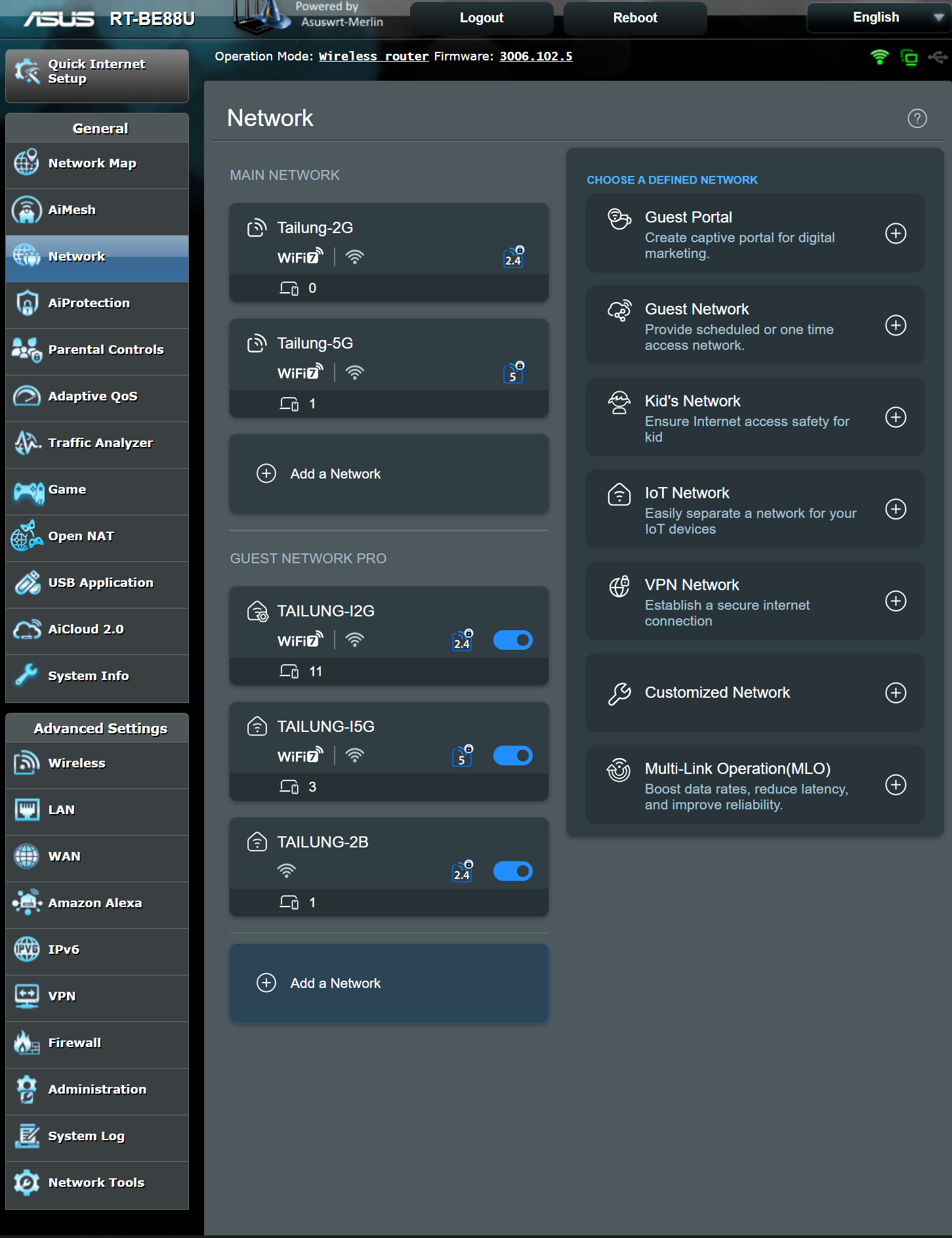
AiMesh Support: This proprietary system lets you create a seamless whole-home Wi-Fi network by connecting multiple compatible ASUS routers. The key advantage is of AiMesh support that you only configure the main router and, after an initial provisioning setup, the settings and any updates are automatically propagated to all mesh nodes, creating an unified wifi mesh network managed by the central router. The only drawback here it that Asus instead of supporting the standard EasyMesh opted for a custom system like also others vendors do, performing a vendor lock-in for any additional nodes.
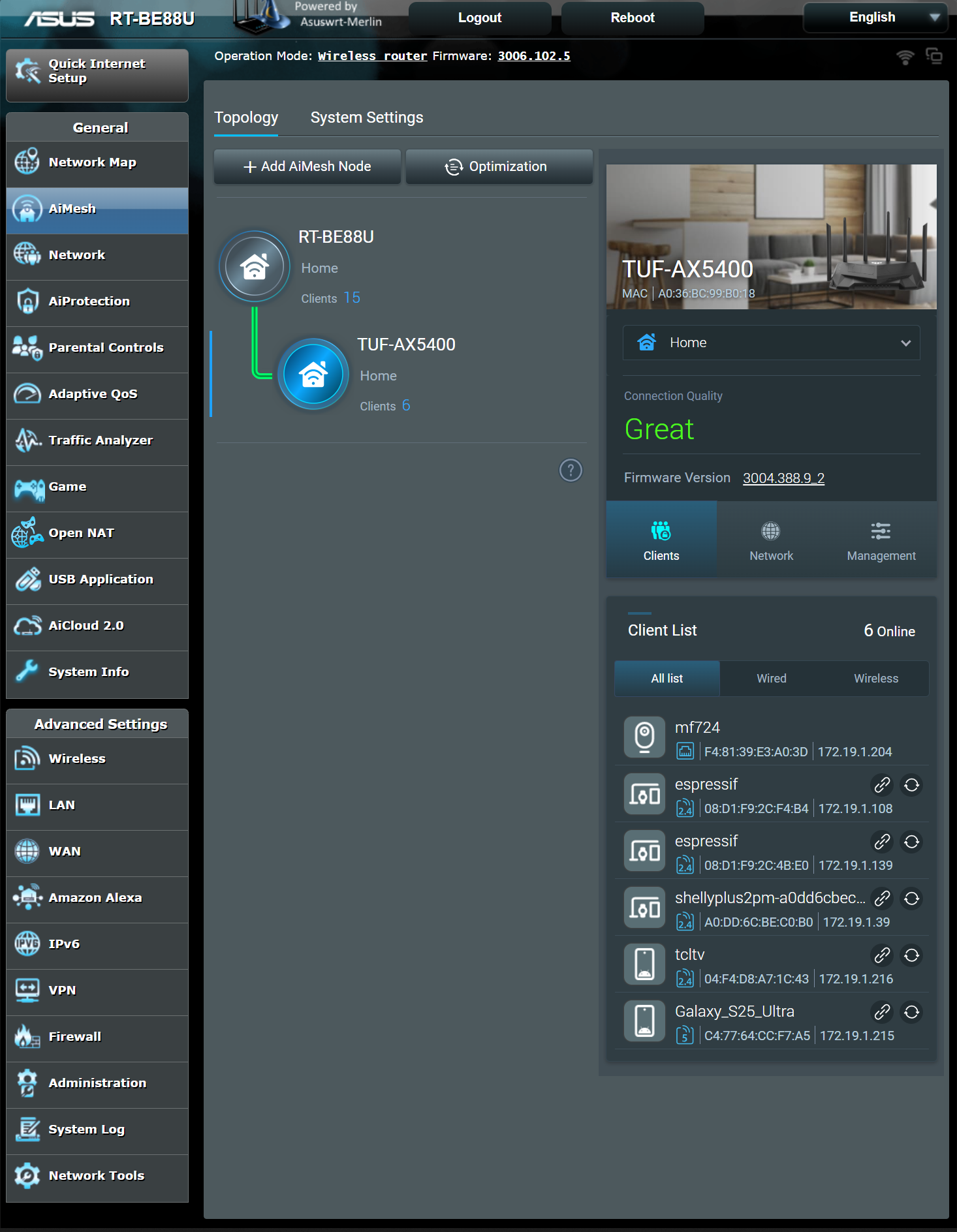
AiProtection Pro: This is a major selling point. It provides commercial-grade, lifetime-free security for your home network, powered by Trend Micro. It includes automatic updates to protect all connected devices from internet threats, malicious site blocking, and two-way intrusion prevention systems .
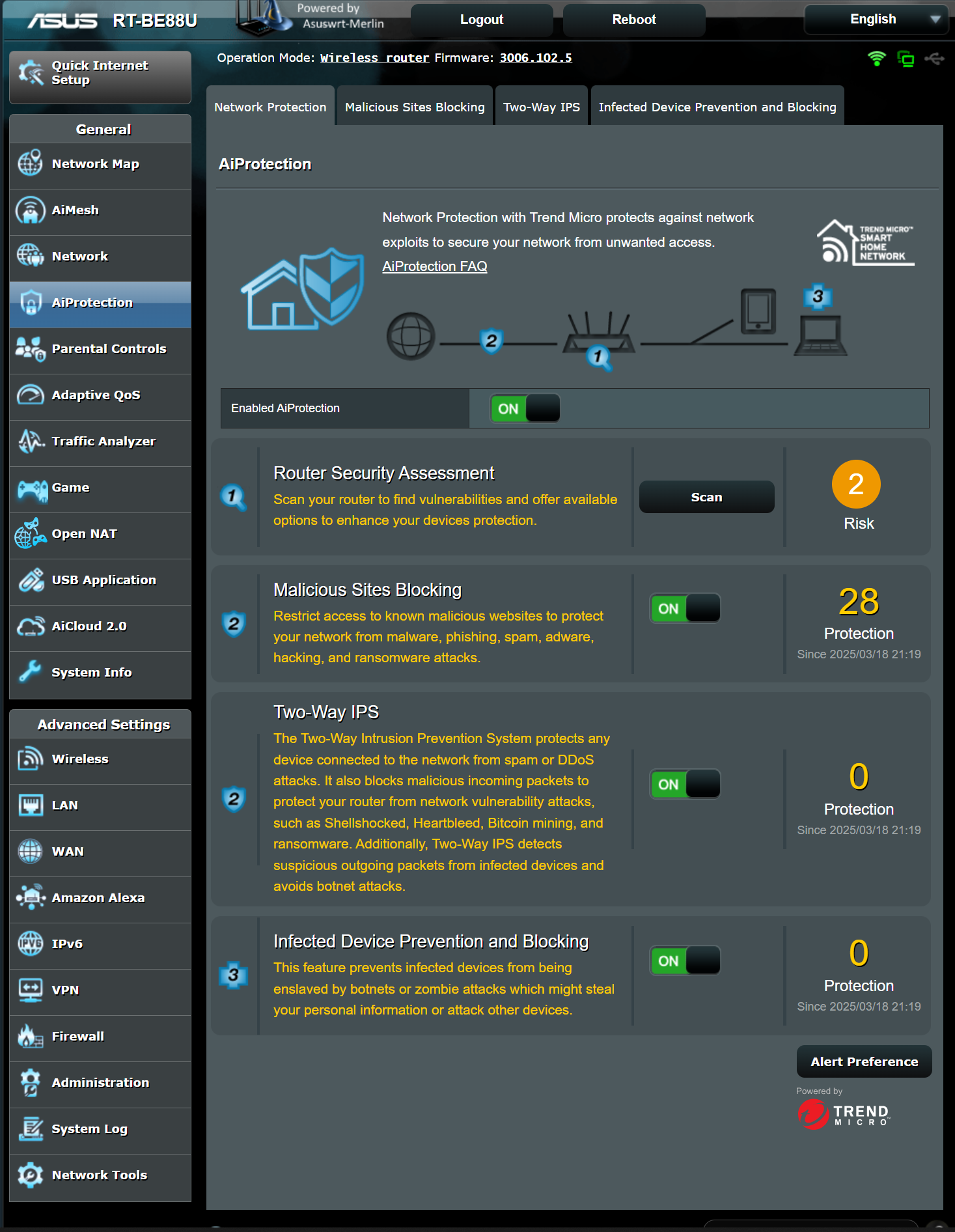
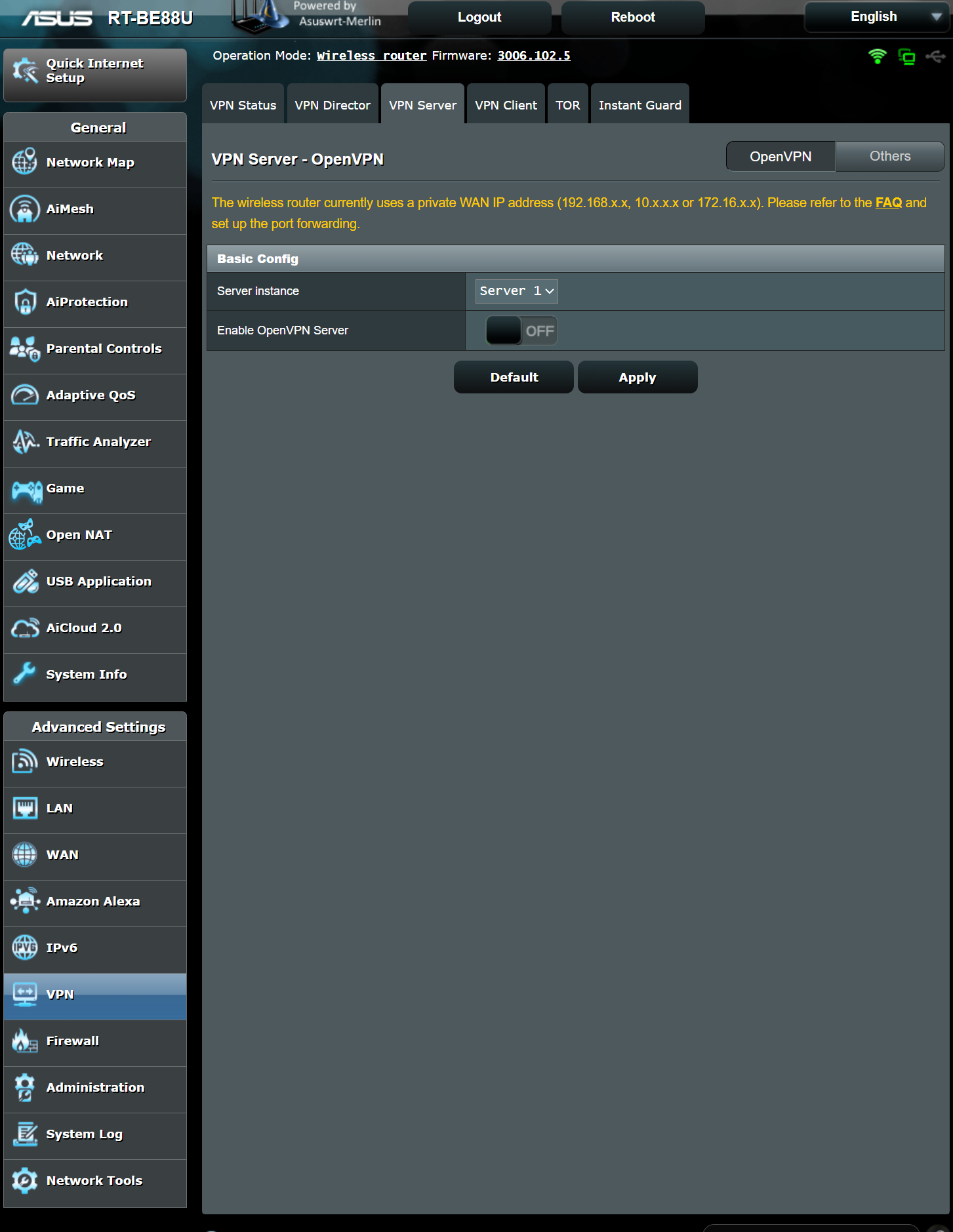
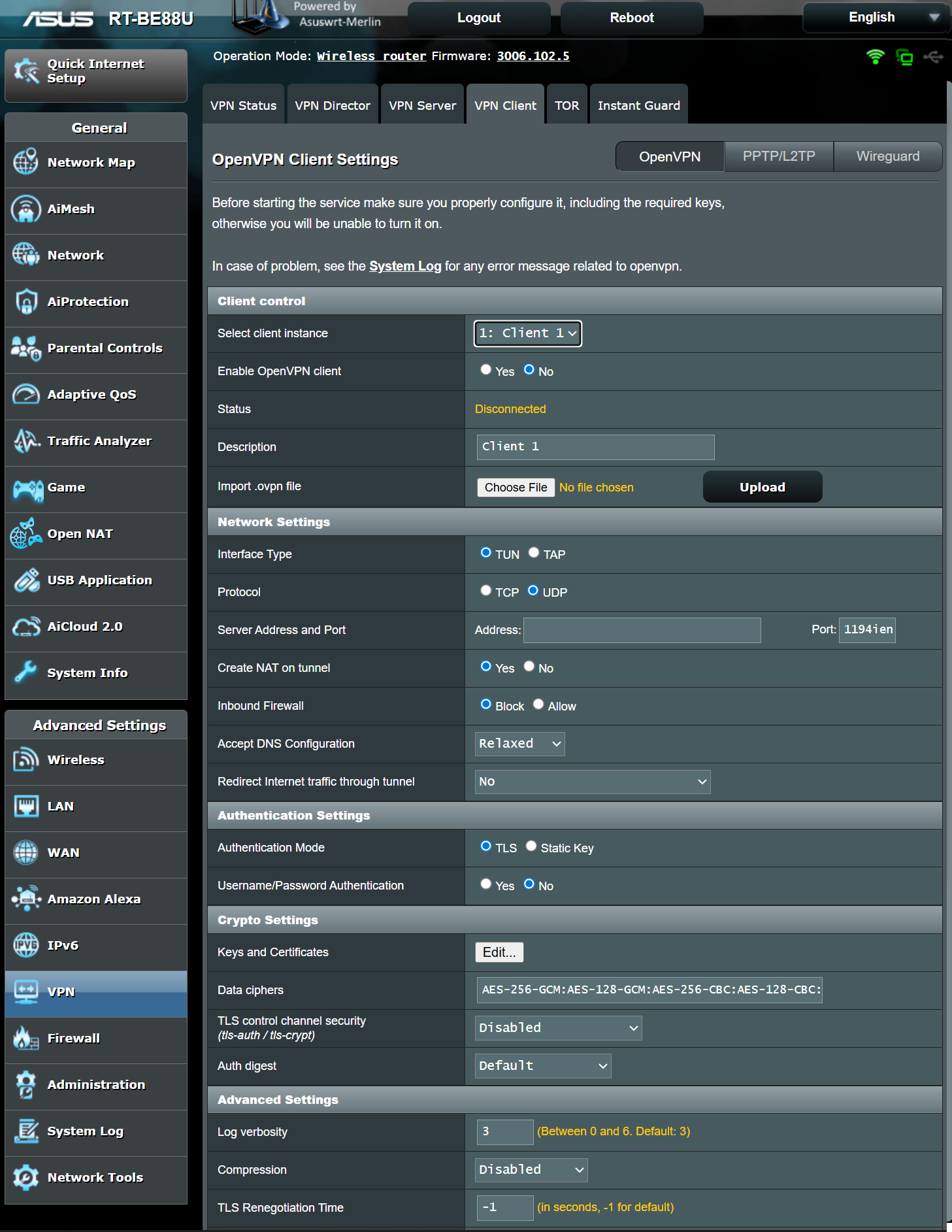
Advanced VPN Support: ASUS routers offer extensive VPN functionality. You can run three multiple VPN servers (OpenVPN, L2TP, PPTP, WireGuard) and five vpn clients simultaneously. A feature called VPN Fusion is particularly powerful, allowing you to run a VPN and a standard internet connection at the same time, and route specific devices through different VPN tunnels without affecting others
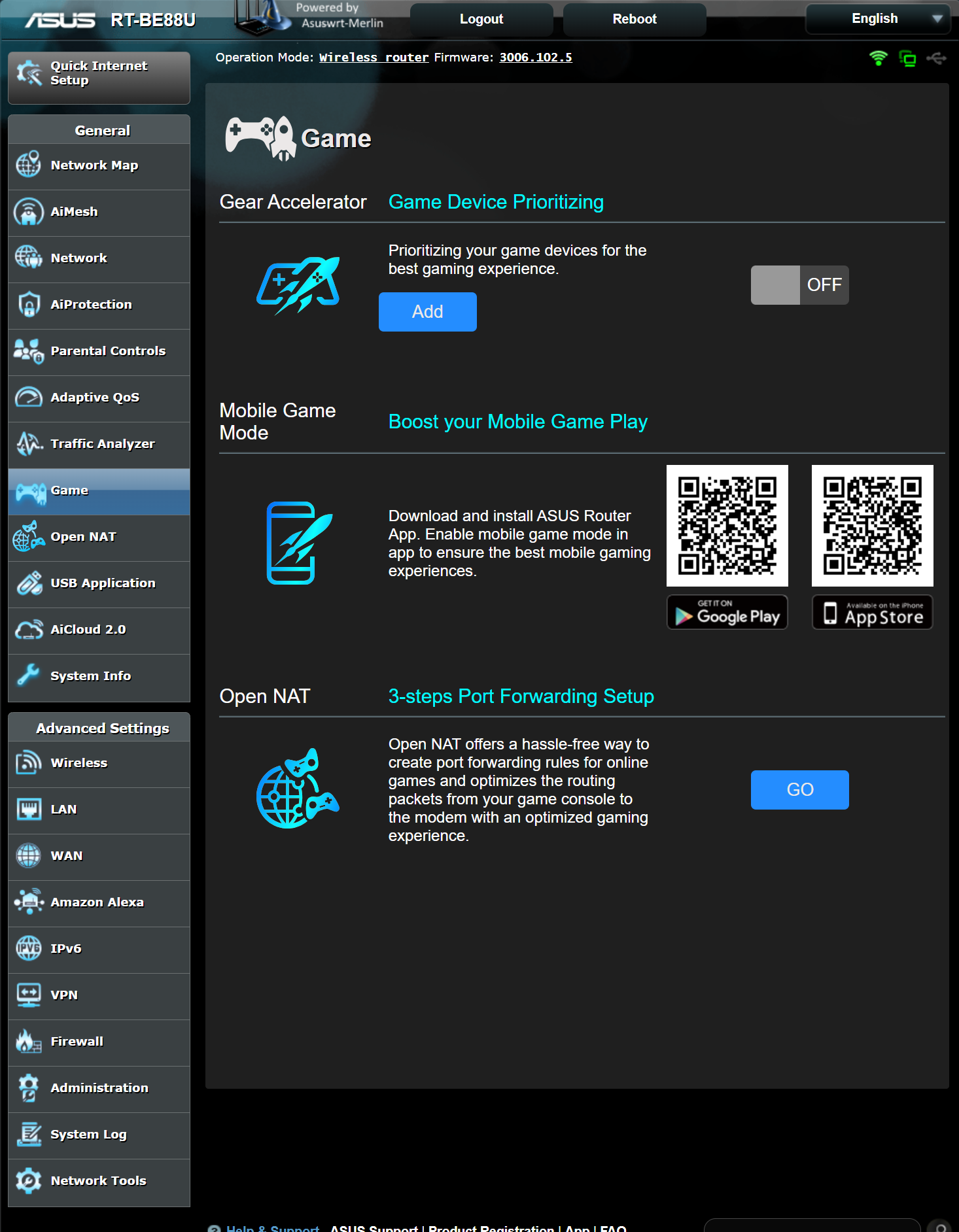
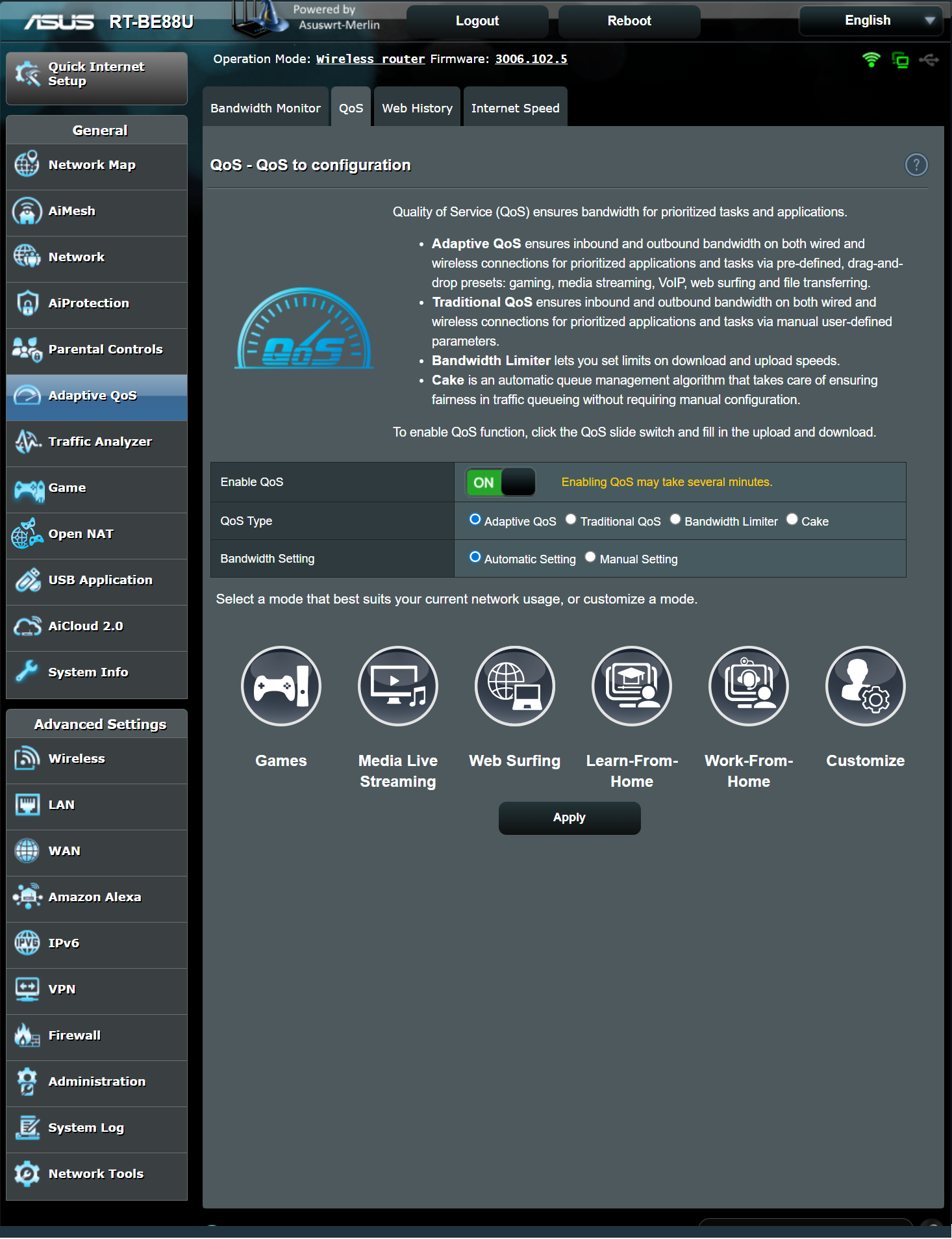
Gaming and QoS Accelerations: Features like Game Boost/Acceleration and Adaptive QoS (Quality of Service) prioritize gaming traffic and packets to minimize lag and ping. Some models also include integration with gaming networks like WTFast for optimized server paths. Some routers have also an autoconfigured dedicated gaming port to provide an speedy and prioritized connections for low-lag gameplay.
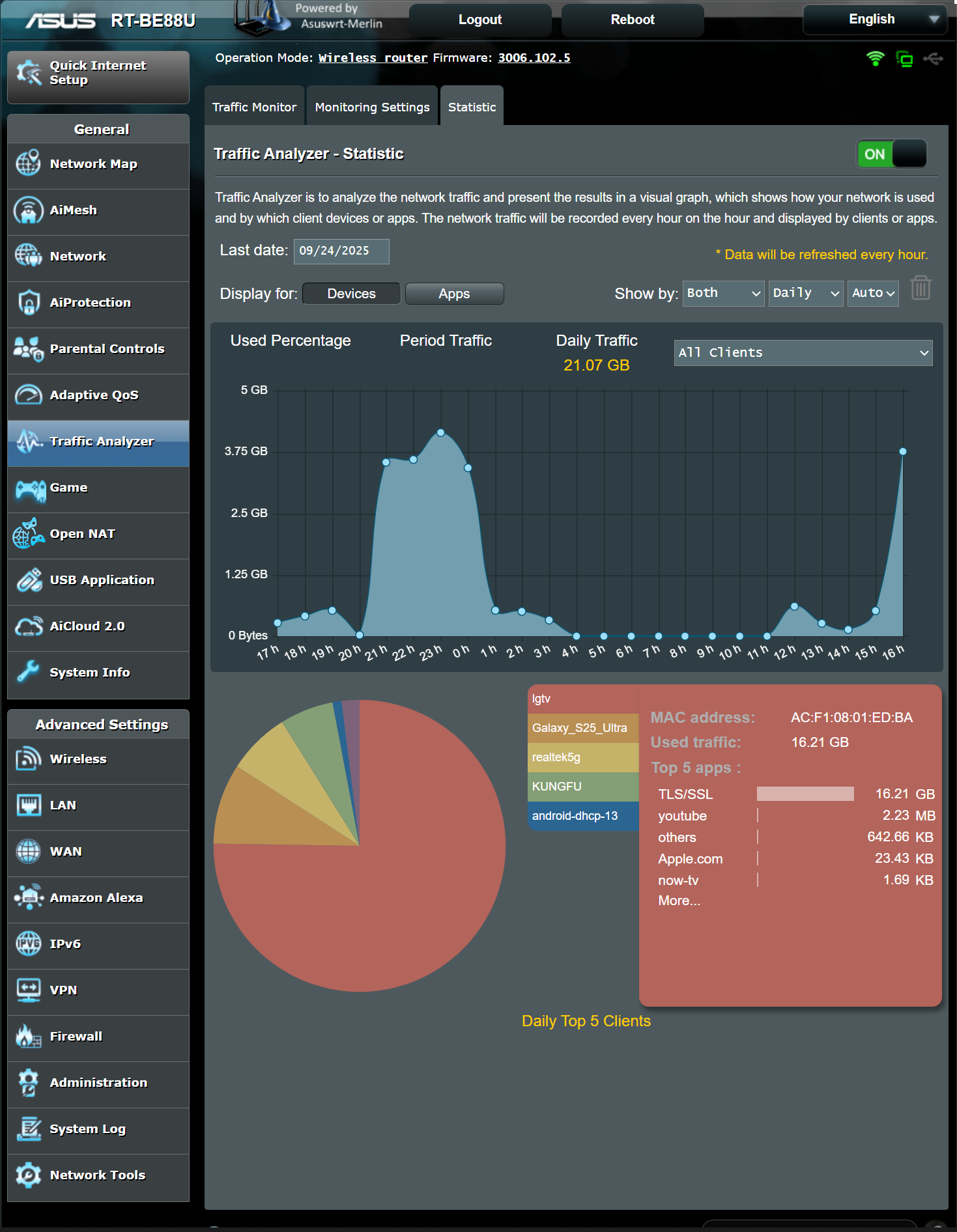
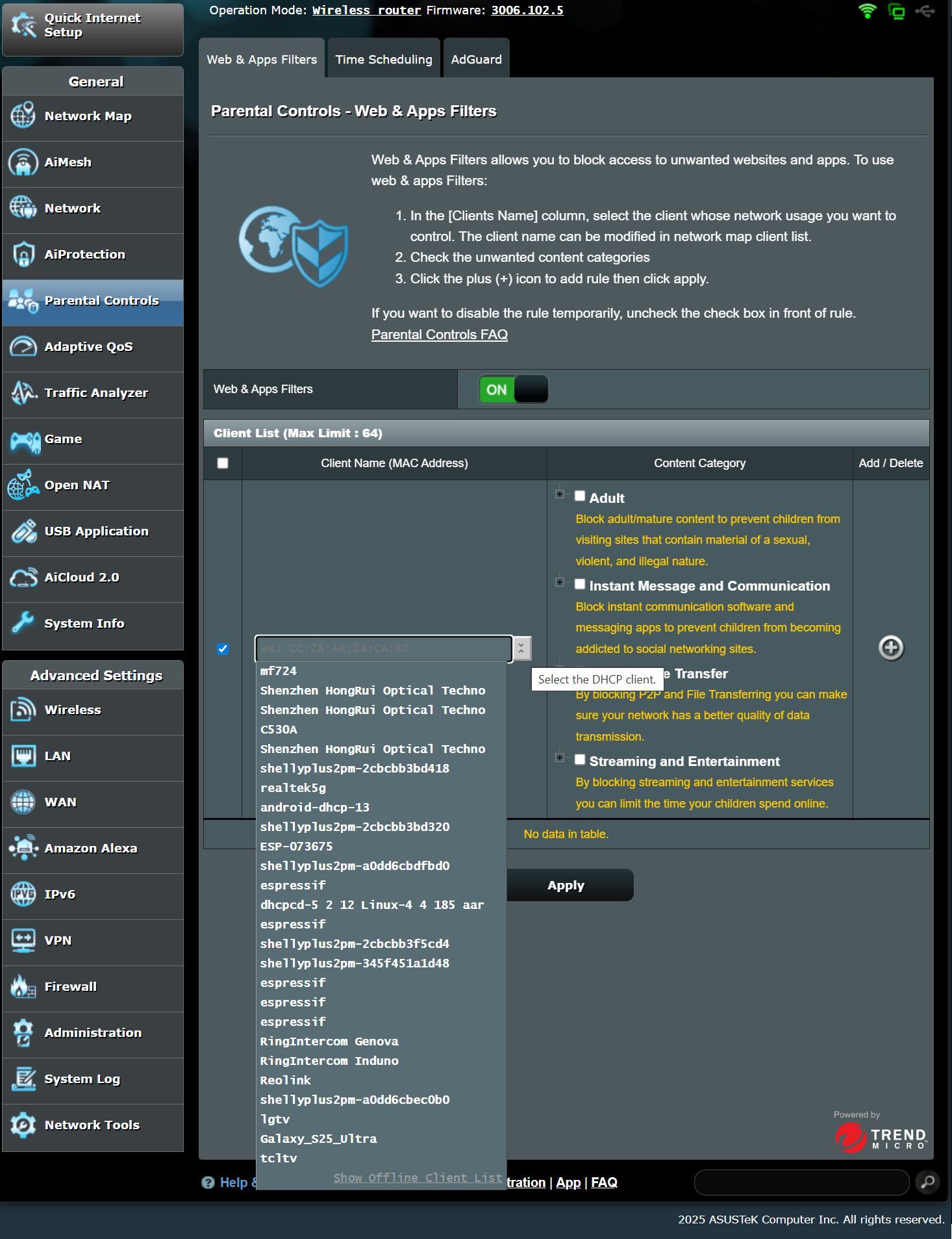
Traffic Monitoring and Parental Controls: The firmware includes real-time traffic monitoring to track how much network data each client device uses and robust parental controls for scheduling internet access and blocking content.
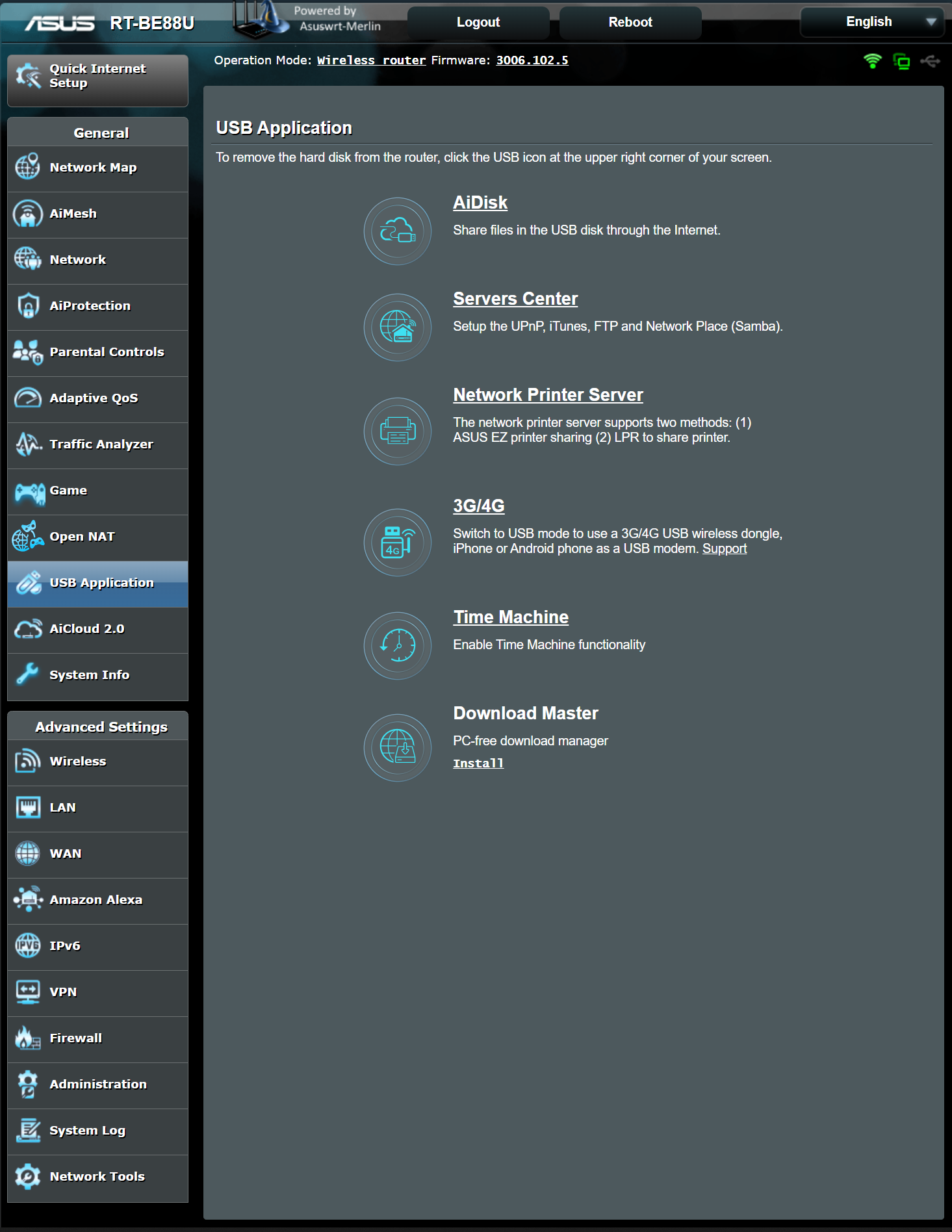
USB Flexibility: The USB port transforms your router into a versatile mini-server. You can connect an external hard drive to function as a Network-Attached Storage (NAS) device through FTP and Samba, DNLA Media Server (no transcoding, it is an essential media server), Network Printer Server, Time Machine, 4G / 5G backup mobile connection or a dedicated Download Master Server for torrents., etc. While the transfer speeds won't rival a dedicated NAS for large file transfers, the performance is more than adequate for sharing files across your home, streaming media to devices, and handling downloads 24/7 without needing a computer turned on.
Conclusion: Which ASUS WiFi 7 Router is Right for You?